Your customer sees a message in the WhatsApp application, but does not know that it has crossed more than 100 servers and routers around the world.
Ultramsg! not just a message
Message states in the instance

- Sent: Messages sent successfully.
- Queue: Messages are in the queue, and messages will be sent based on priority.
- Unsent: Messages that were not sent for technical reasons, and in most cases it is due to an error in the content of the message.
- Invalid: Messages not sent, because the number is wrong or does not have WhatsApp.
- Expired: All messages not sent from the queue within 24 hours for any reason become expired.
Resend messages that failed to send using API
/resendByStatusThis method can be used to resend failed messages by message status .
/resendByIdThis method can be used to resend failed messages by message ID .
The number of seconds between messages
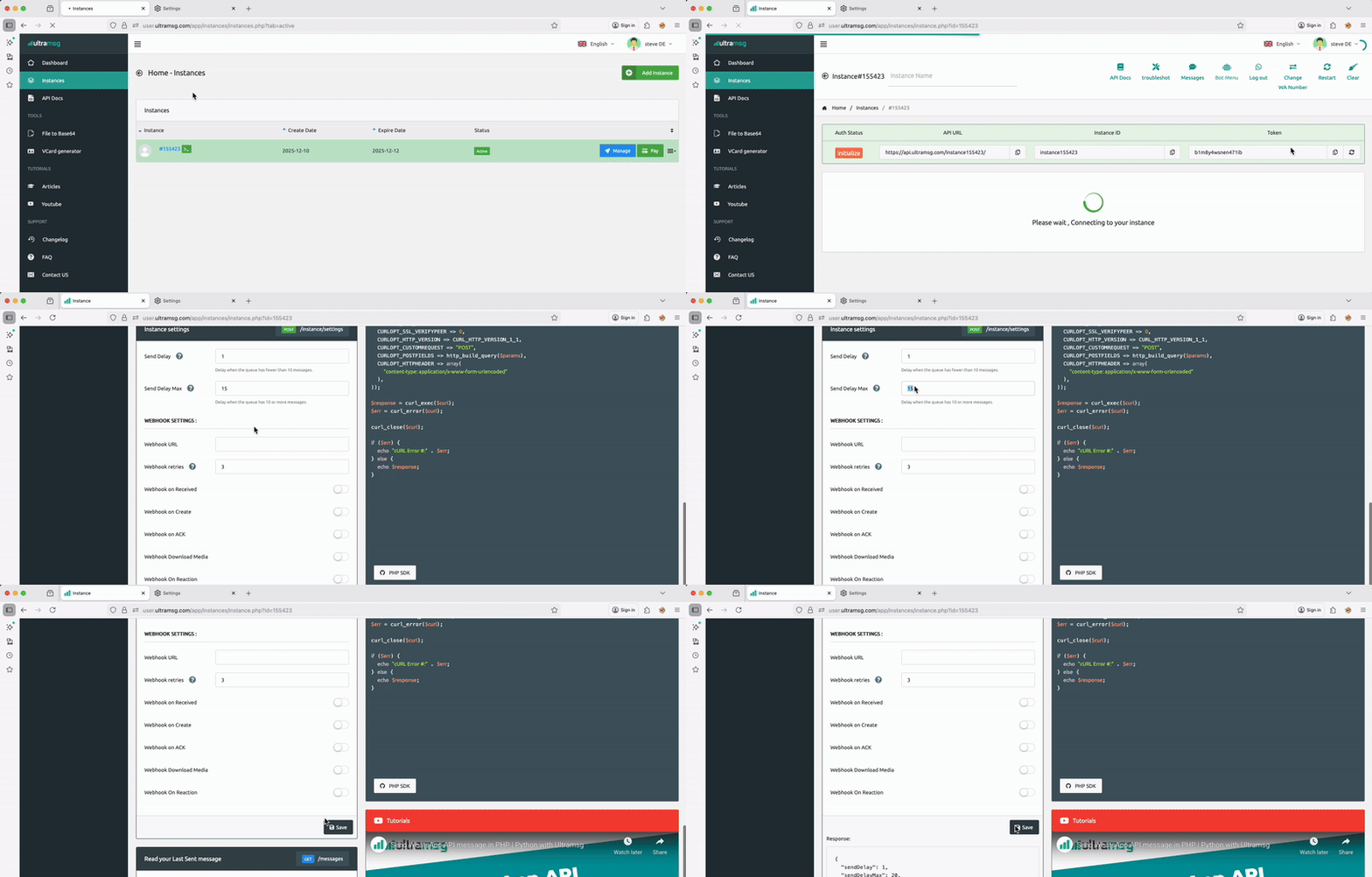
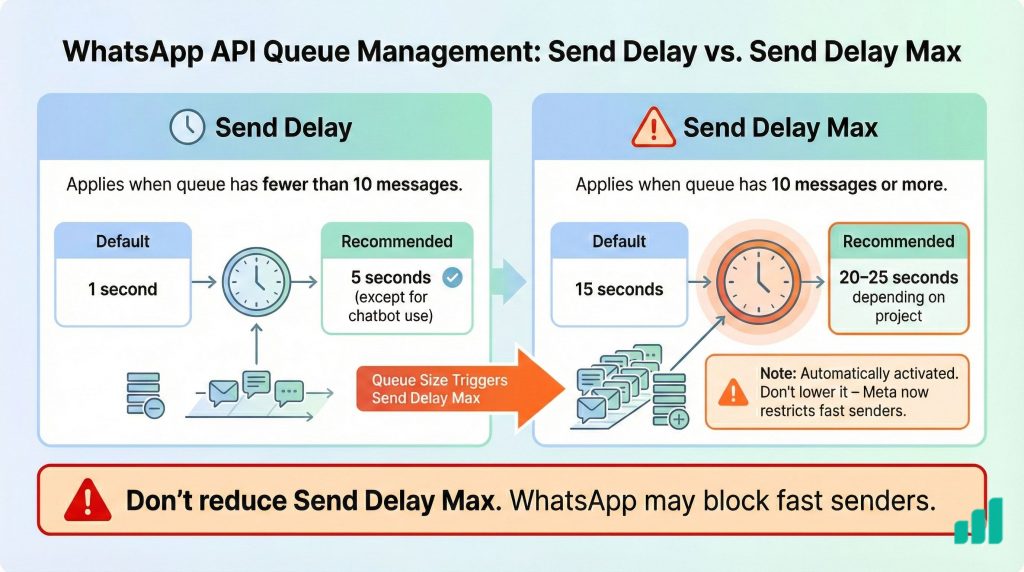
Send Delay: Applies when the queue has fewer than 10 messages. The default value is 1 second, and it is recommended to increase it to 5 seconds, except if your business uses a chatbot.
Send Delay Max: Applies automatically when the queue reaches 10 messages or more. The default value is 15 seconds, and it is recommended to increase it based on your project needs, such as 20–25 seconds.
Queue management using message priority
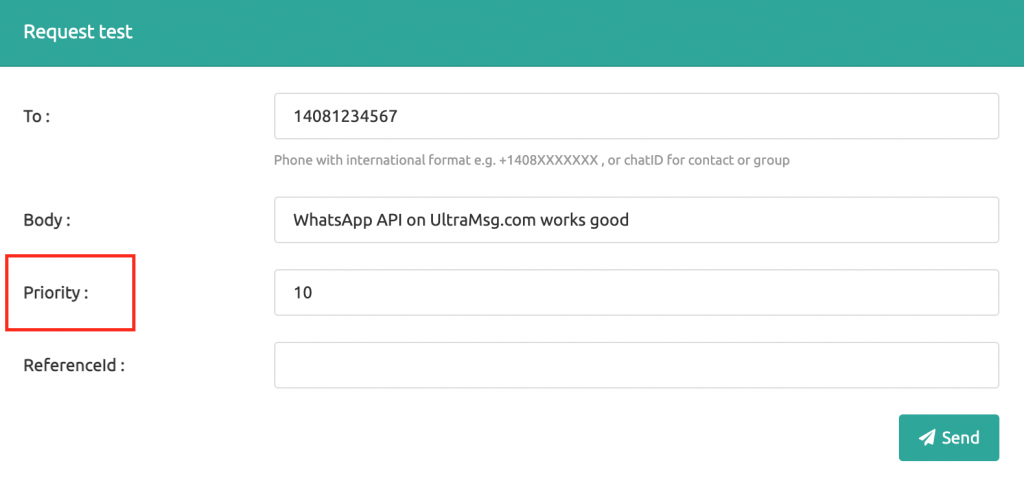
This parameter is optional, You can use it to create a professional queue for messages, The Messages with less priority value are sent first.
example of usage :
priority = 0: for High priority like OTP messages.
priority = 5: used with general messages.
priority =10: non-urgent promotional offers and notifications to your customers.
Default value: 10
Example of queue management:
You send 100 promotional messages to your customers with priority 10.
Then you sent 1 WhatsApp message as an activation code with priority 10.
Now an activation code message will be sent after the 100 promotional messages have been sent.
But if you send 1 WhatsApp message as an activation code with a priority of less than 10, for example 9
The activation message will be sent first … then the rest of the messages will be sent.
Delete messages from the instance
Message and media logs are kept for 60 days only , And if you want to delete messages at any time, you can do so by using this method:
https://docs.ultramsg.com/api/post/messages/clear
Get a report for messages By API
https://docs.ultramsg.com/api/get/messagesYou can use this method to Get a list of instance messages , You can inquire about messages according to the status of the message ( sent,queue,unsent ) .